
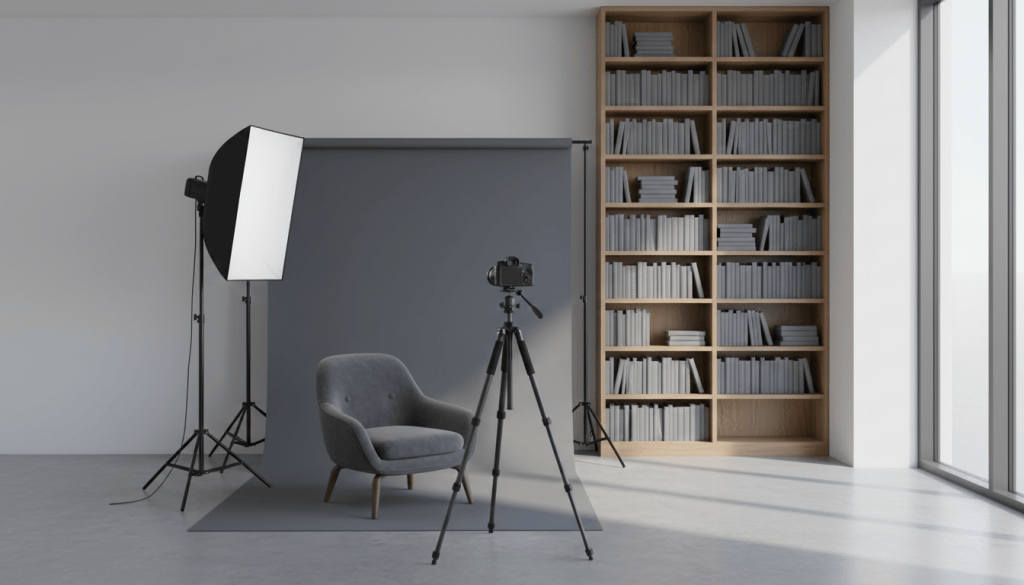
A person who lands on a criminal defense website after an arrest is usually deciding, within a few seconds, whether to call. Most people in that position are scared, and none of them can judge legal skill from a web page. What they can judge is whether the firm looks real and whether the lawyer looks like someone they could talk to. Photography carries most of that first impression.
That makes photos one of the most practical upgrades a defense firm can make to its website and Google profile. This guide covers why stock images tend to work against defense firms, which photos a firm actually needs, how to plan a shoot, how photos affect page speed and search, and the privacy and court rules that limit what you can photograph.
What this guide covers
- What photos tell a visitor in the first few seconds
- Why stock images often hurt defense firm websites
- The photos every defense firm site should have
- Planning a photo shoot that is worth the money
- Photos on your Google Business Profile
- Image file size, page speed and image search
- Privacy, courtroom rules and advertising rules
What a photo tells a visitor
Most people looking for a defense lawyer are choosing between several firms they have never heard of. The websites often say similar things: experienced, aggressive, available around the clock. Photos are one of the few things that set one firm apart at a glance.
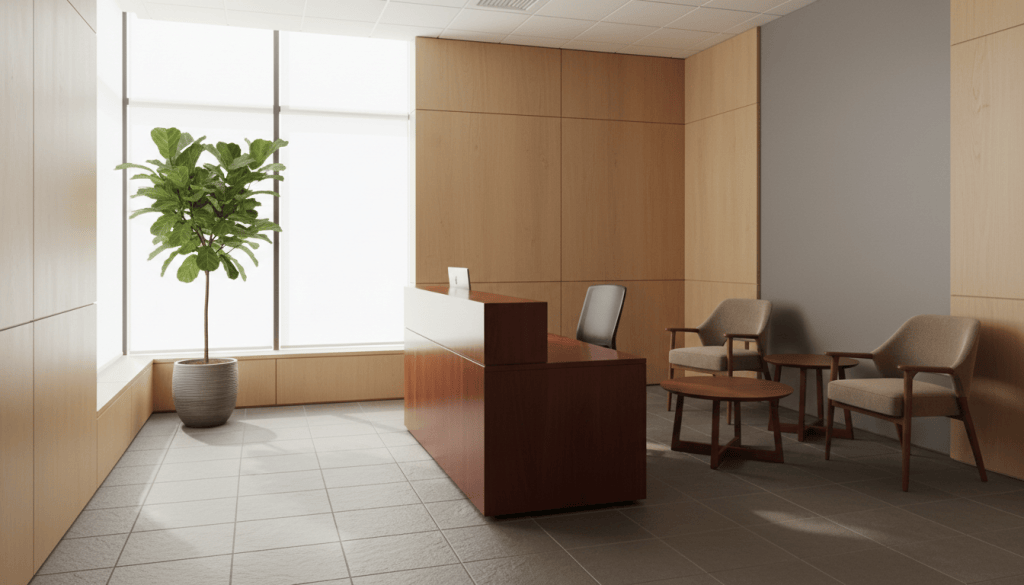
A clear, recent portrait of the attorney tells the visitor who they will actually speak to. A photo of a real office, with a real reception desk and a real door, tells them the firm exists in a physical place in their town. A picture of the attorney talking with someone across a desk tells them what a consultation will feel like. None of that is possible with a gavel on a white background.
There is a practical side, too. Family members often make the first call while the person charged is in custody. Seeing the lawyer’s face before they call makes that call easier, and it helps them recognize the lawyer at the courthouse.
Why stock photos work against defense firms
Stock photography is cheap and quick, which is why so many law firm sites use it. For a defense firm, it tends to cause three problems.
First, it looks like everyone else. The same images of scales of justice, gavels, law books and handcuffs appear on thousands of legal websites. A visitor comparing three firms may see the same stock photo on two of them.
Second, it can send the wrong message. Images of handcuffs, police lights and jail bars are common on defense sites, but they put the visitor back in the worst moment of their week. Many firms do better with calm, neutral images that suggest help and privacy.
Third, it can raise advertising issues. A stock photo of a model in a suit, placed where a visitor would assume it shows your attorney, can be misleading. ABA Model Rule 7.1 prohibits misleading communications about a lawyer’s services, and some states go further. Florida’s advertising rules, for example, require a clear disclaimer when an advertisement uses an actor portraying a lawyer or other professional. If you use any image of people who are not your actual staff, check your state bar’s rules on disclaimers first.
Stock images still have a place for neutral backgrounds or blog illustrations. Make sure you hold a proper license for every image. Pictures found through an image search are not free to use.
The photos every defense firm site needs
A useful shot list for most defense firms is short:
- Attorney portraits. A clear head-and-shoulders photo of each lawyer for the bio page, plus a wider version for the home page. Look at the camera, keep the background simple and use the same style for every attorney.
- Working photos. The attorney reviewing a file, talking on the phone, or meeting with a colleague across a desk. These read as more natural than posed portraits and work well beside practice area text.
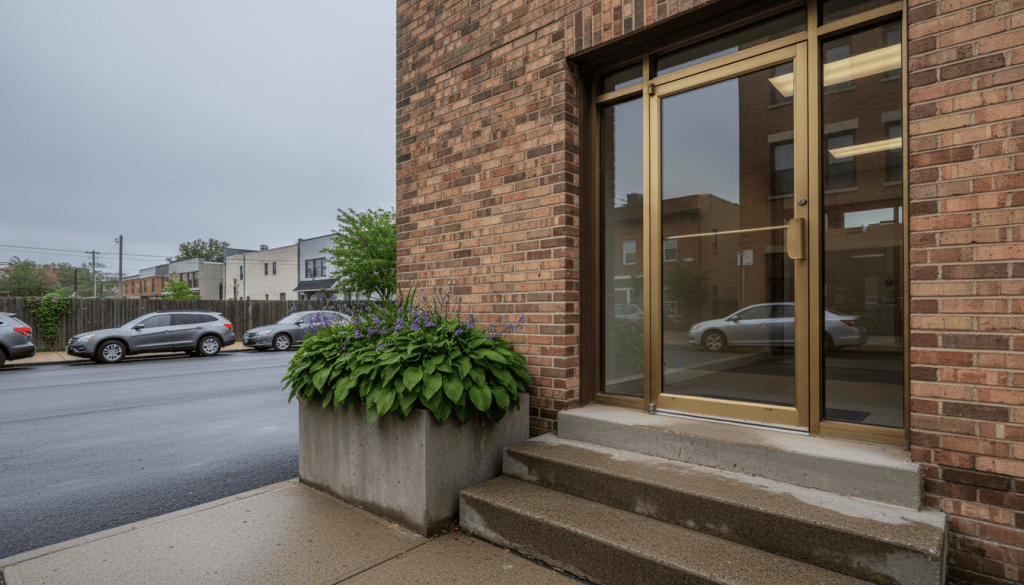
- The office exterior and entrance. People want to know what the building looks like before they arrive. This is also one of the most useful photos for your Google Business Profile.
- The reception area and a meeting room. Show where a client will sit during a consultation. Clean and plain is fine.
- The local setting. A recognizable street near your office, or the outside of the courthouse where you practice, can tie your site to the place you serve. Check local rules before shooting near a courthouse.
- The team. If your firm has paralegals, investigators or intake staff who talk to clients, include them so callers know who might answer the phone.
If budget is tight, start with the attorney portraits and the exterior. Those two do the most work.
Planning a shoot that is worth the money
Hire a photographer who has shot professional portraits and interiors, and ask to see examples in similar light to your office. A good shoot for a small firm can often be done in half a day if you plan it.
Before the shoot, write the shot list and decide where each photo will be used. A portrait for a bio page needs a different crop from a wide hero image across the top of the home page, so ask the photographer to shoot both. Horizontal images work best for website banners, while square and vertical crops suit social profiles and mobile layouts.
Choose clothing you would actually wear to court. Solid colors photograph better than busy patterns. Bring a second outfit so you have variety for different pages.
Decide on a consistent look: background, lighting and color tone. When every attorney photo matches, the site looks organized and the firm looks like a single team. Keep the edited files in a shared folder with clear names so staff and web developers use the same versions.
Plan to refresh portraits every few years, or sooner if someone’s appearance has changed noticeably. A photo that no longer looks like the lawyer causes an awkward moment at the first meeting.
Photos on your Google Business Profile
For many local searches, people see your Google Business Profile before your website. Photos are a large part of that profile, and Google gives specific guidance on them.
According to Google’s Business Profile help pages, photos should be JPG or PNG files between 10 KB and 5 MB, with a recommended resolution of 720 by 720 pixels and a minimum of 250 by 250. Google asks that photos be in focus, well lit and free of heavy filters or significant alterations, and says the image should represent reality.
Google also notes that if your chosen cover photo is low quality, it may show a photo submitted by a user instead. That is a good reason to upload strong photos of your own. Start with the exterior so people can recognize the building, then add the entrance, reception area and attorney portraits. Add new photos from time to time so the profile stays current.
Use the same attorney portraits on your profile, your website and your bar directory listings. Consistent images across those places help people recognize your firm wherever they find it.
Photos, page speed and search
Professional photos are often large files, and large files slow down a website. On many pages the biggest image near the top of the screen is the element that decides how fast the page appears to load. Google measures this as Largest Contentful Paint, one of its Core Web Vitals. A heavy hero image can make a mobile page feel slow for a visitor on a weak connection outside a courthouse.
A few habits keep photos fast:
- Resize images to the largest size they will actually display, rather than uploading the original camera file.
- Use modern formats such as WebP where your website platform supports them.
- Compress images before upload. Most can lose a large share of their file size with no visible change.
- Let images below the first screen load only when the visitor scrolls to them, but load the main image at the top right away.
Images can help with search when they are labeled well. Give each file a descriptive name, such as “dui-attorney-office-entrance.jpg” instead of “IMG_4821.jpg.” Write alt text that describes what the photo shows in plain words, which also helps visitors who use screen readers. Place photos near the text they relate to.
Privacy, courtrooms and the rules
Defense work is confidential, and your photography has to respect that. Never photograph clients for marketing without their informed consent, and think carefully before asking. The duty of confidentiality under ABA Model Rule 1.6 is broad, and a photo of a client entering your office can reveal that they have a criminal matter. Avoid shots where client files, names or screens are visible in the background.
Courtrooms bring their own limits. In federal criminal cases, Rule 53 of the Federal Rules of Criminal Procedure bars photographing judicial proceedings in the courtroom. State courts set their own rules, and many courthouses restrict photography inside the building. If you want a courthouse photo, an exterior shot from a public sidewalk is usually the safer choice, and it is still worth checking local rules first.
Finally, remember that every photo on your site is part of your advertising. Pictures that suggest results you can’t promise, or that imply a larger firm than you are, can be misleading. Check your state bar’s advertising rules before you publish.
Questions about photography for defense firm websites
How much should a defense firm spend on photography?
It depends on your market and how many people need portraits. Get quotes from two or three local photographers with a clear shot list so you can compare them fairly. A small, well-planned shoot usually gives more value than a large one without a plan.
Can I take the photos myself with a phone?
For Google Business Profile updates and quick office photos, a recent phone in good light can work well. For attorney portraits on the website, a professional photographer usually produces a far more consistent and trustworthy result.
Should I use AI-generated images on my website?
They can work for neutral blog illustrations, labeled as illustrations. Never use AI-generated images of people presented as your attorneys, staff or clients, since that would mislead visitors.
How often should I update my website photos?
Review them every year or two, and update immediately when an attorney joins or leaves, the firm moves or someone’s appearance changes a lot.
This guide is part of SBD Marketing’s series on photography for criminal defense firm websites. SBD Marketing works only with criminal defense law firms, designing their websites and helping them rank in Google and AI search.
SBD Marketing · info@sbdmarketing.agency · Book a call: sbdmarketing.agency/scheduling · Serving criminal defense law firms across the USA · sbdmarketing.agency


Leave a Reply